Description
Game Introduction
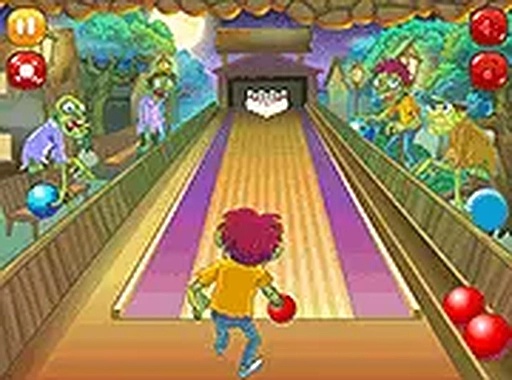
Bowling Sports Challenge is a digital version of the classic ten-pin bowling sport, designed for quick and enjoyable play in a web browser. The main goal is to roll a ball down a lane and knock down as many pins as possible, aiming for strikes and spares to achieve a high score. This game captures the familiar fun of bowling in a clean, family-friendly format suitable for all ages. It is designed for short play sessions, allowing you to enjoy a few frames during a break or engage in longer matches. The game runs instantly in your browser without any downloads or installations, making it easy to start playing right away. The visual style is clean and appealing, focusing on the core bowling experience. Whether you are a beginner or an experienced bowler, this game offers a straightforward and satisfying challenge that you can replay many times.
How to Play
To play, you position your bowler on the lane and use your mouse or touch input to set the aim direction and the power of your throw. A meter helps you control strength: too much power may send the ball into the gutter, while too little might not reach the pins. Aim for the center pocket to increase your chance of a strike. After your first roll, you get a second chance to knock down any remaining pins. The game provides immediate feedback after each throw, helping you adjust your technique. Practice makes perfect, and you can replay as many times as you like. The controls are simple and responsive, making it easy to pick up and play.
Game Features
Bowling Sports Challenge includes family-friendly content safe for all ages. No downloads or installations are required, and the game works on both mobile devices and desktop computers. A full screen mode is available for a more immersive experience. Instant play means you can start a game in seconds with no registration. The controls are simple and responsive, making it easy to pick up and play. The game may include various lane conditions and difficulty settings that affect gameplay, though these are not specified in detail. Overall, the game focuses on delivering a clean and accessible bowling experience.
Tips for Success
To improve your game, focus on consistent aim and power control. Practice aiming for the pocket between the front pin and the one behind it, as this increases your chance of a strike. Pay attention to the feedback after each throw to adjust your technique. Start with moderate power to avoid gutter balls, then gradually experiment with stronger throws. Replaying regularly helps you learn the timing and precision needed for higher scores.