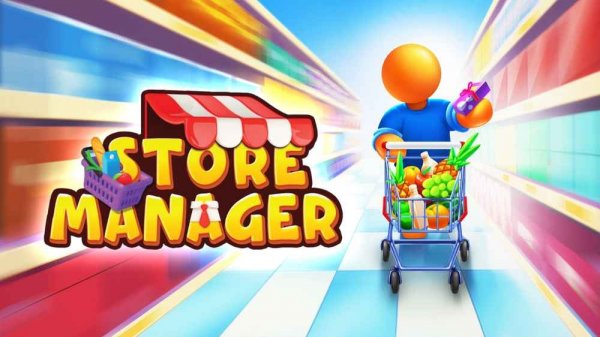
Description
Game Introduction
Store Manager Business Simulation Game is a casual business simulation where you take on the role of a store owner. Your journey begins with a modest mini-mart, and through strategic decisions, you can grow it into a full-scale supermarket. The game offers a charming and straightforward business experience, focusing on stocking a variety of products—from fresh vegetables and quality meats to elegant perfumes and modern electronics. Each item you place on the shelf can attract different types of customers, and your main goal is to keep shoppers happy and their carts full. As your store expands, you unlock new sections and upgrades, creating a satisfying cycle of earning, investing, and growing. Designed for players who enjoy strategic planning without overwhelming complexity, its cheerful art style and smooth gameplay make every session rewarding.
How to Play
Getting started is easy. You control your character using standard movement keys—typically WASD or arrow keys—to walk around your store. Approach any shelf or product display and interact with it using a mouse click. This allows you to stock items, assist customers, and manage inventory. Pay attention to what shoppers are looking for; if they cannot find a product, they may leave without buying. Use your earnings to invest in new store sections and upgrades, which attract more customers and let you sell higher-value goods. The game works on both desktop and mobile browsers, so you can play anywhere. Progress through different levels to unlock new products and features, with each level bringing fresh challenges and opportunities. The controls remain simple throughout, letting you focus on growing your business.
Game Features
Store Manager Business Simulation Game offers a casual business simulation with easy controls. Key features include progressive store expansion from a mini-mart to a supermarket, a wide variety of goods such as food, electronics, and perfumes, and a customer satisfaction system that drives strategic decisions. Level-based progression unlocks new products and features as you advance. The game is designed to work on both desktop and mobile browsers, allowing flexible play. Its cheerful art style and smooth gameplay provide a calm and engaging experience for players who enjoy building something over time.
Tips for Success
To succeed, focus on keeping your shelves well-stocked with products that match customer demand. Observe which items shoppers are looking for and prioritize those. Reinvest your earnings into store upgrades and new sections to attract a wider customer base. Manage your inventory carefully to avoid empty shelves, as unhappy customers may leave without buying. As you progress through levels, take advantage of new products and features to expand your business. Patience and strategic planning are key—growth takes time, but each small improvement contributes to long-term success.